> ## Documentation Index
> Fetch the complete documentation index at: https://docs.attention.com/llms.txt
> Use this file to discover all available pages before exploring further.
# Product Updates
> New releases and improvements
**Organization-level bot image settings:**
* Admins can now set a custom bot image at the organization level in Organization Settings
**Release of Agent Builder v2:**
* For organization with Agent Builder enabled, it is now accessible via the "Agents" tab on the Attention homepage
* v1 of the Agent Builder, now called "Builder", can still be accessed via the settings menu for enabled users
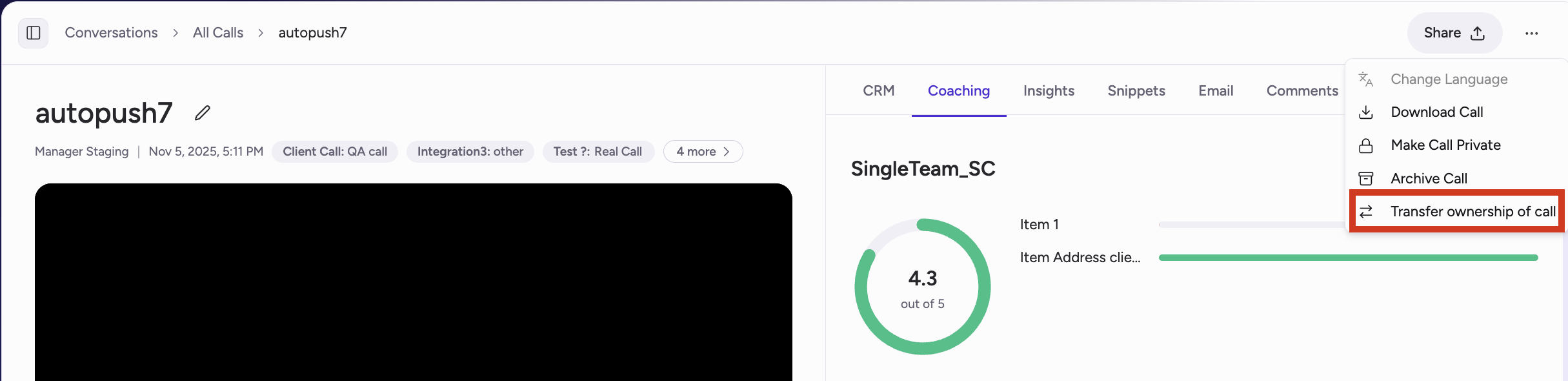
**New permissions for transferring call ownership:**
* Admins can now transfer ownership of their organization's calls across all team members in the org
* Managers can now transfer ownership of thier team's calls aross all members of their teams
* Sales reps can now transfer their own calls to other team members
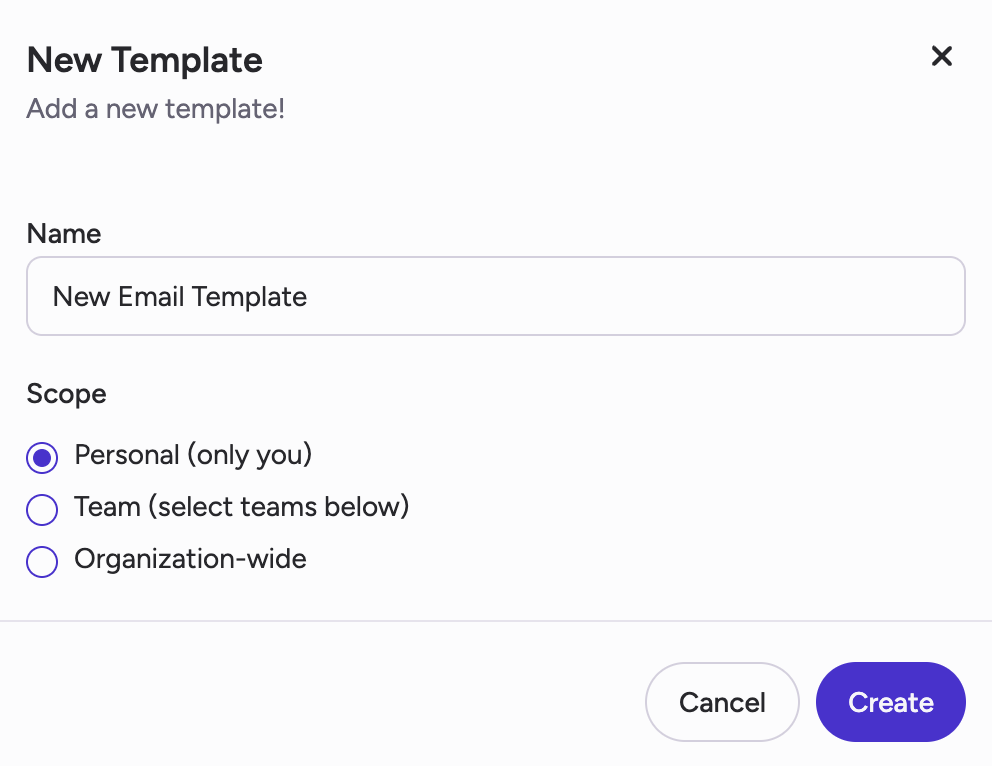
 **Multi-team email templates:**
* Admins can now create email templates for sharing across the entire organization or across multiple teams
* Note: Team-level email templates created before this update are still available for the teams they were initialled created for and cannot be changed
**Multi-team email templates:**
* Admins can now create email templates for sharing across the entire organization or across multiple teams
* Note: Team-level email templates created before this update are still available for the teams they were initialled created for and cannot be changed
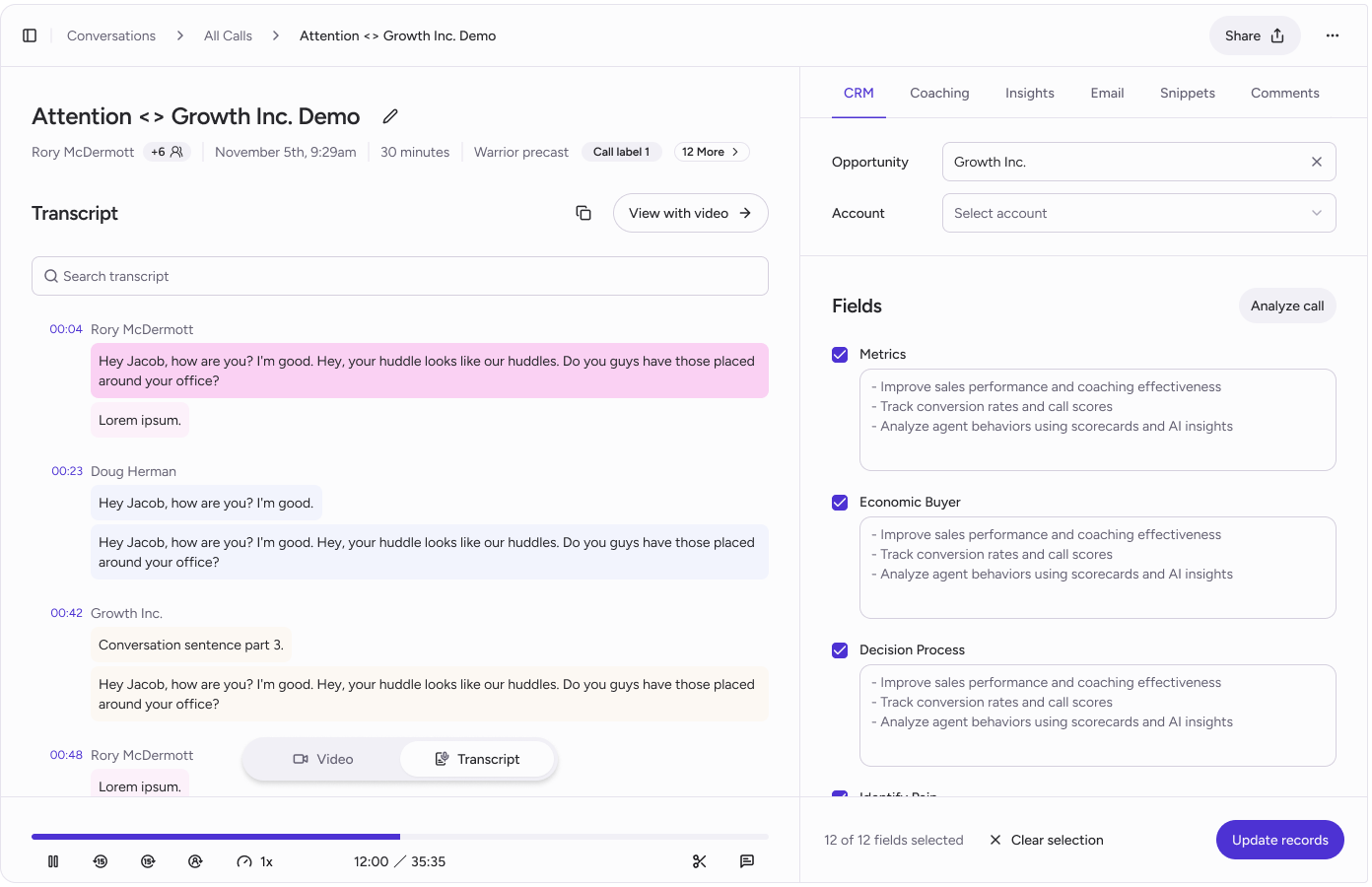
 **Updates to UI/UX in Conversations view including:**
* Transcripts broken out by sentence for improved readability and navigation
* Streamlined snippet creation by clicking next to sentence or highlighting over transcript text
* See number of matches in transcript search and navigate through previous/next match
**Updates to UI/UX in Conversations view including:**
* Transcripts broken out by sentence for improved readability and navigation
* Streamlined snippet creation by clicking next to sentence or highlighting over transcript text
* See number of matches in transcript search and navigate through previous/next match
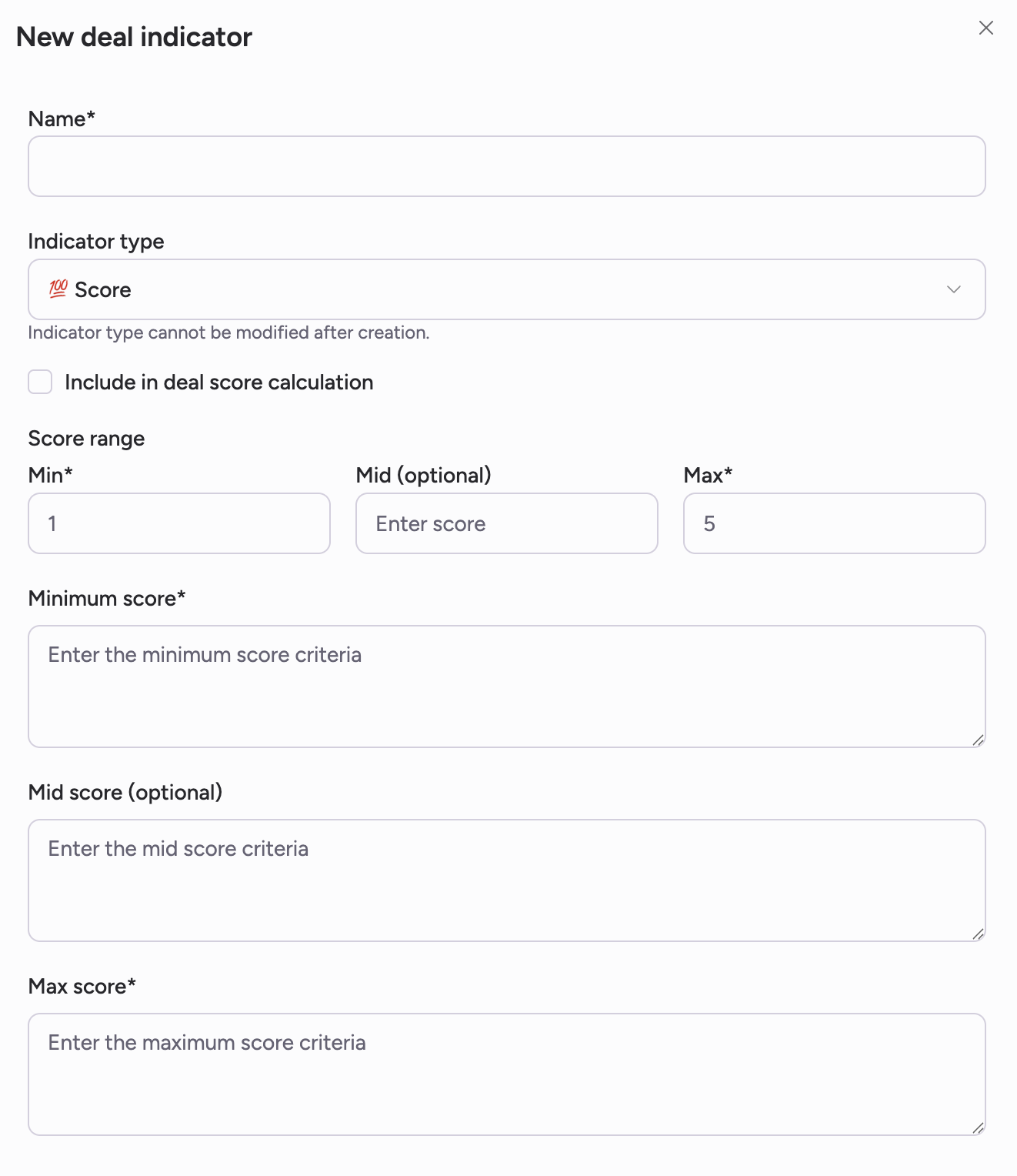
 **Customizable Deal Indicators for Deal View:**
* For organizations wtih Deal View enabled, deal indicators can be edited and customized via the "Deal Indicators" tab in Settings
* Two Indicator Types: Score and List indicators. Score indicators can be applied to overall deal score
* Indicators are configured and applied at the organization level
**Customizable Deal Indicators for Deal View:**
* For organizations wtih Deal View enabled, deal indicators can be edited and customized via the "Deal Indicators" tab in Settings
* Two Indicator Types: Score and List indicators. Score indicators can be applied to overall deal score
* Indicators are configured and applied at the organization level
 **Manager Analytics v2:**
* Views for manager activity and rep activity. Filter by date ranges
* Insights at the manager and rep level for: # of calls listened to, # of comments left, # of sessions, and more
**Manager Analytics v2:**
* Views for manager activity and rep activity. Filter by date ranges
* Insights at the manager and rep level for: # of calls listened to, # of comments left, # of sessions, and more