

Open Integrations
- In Attention, click your name at the bottom of the sidebar, then Settings.
- In the settings menu, click Integrations.
- Click Add integration.
Connect Aircall
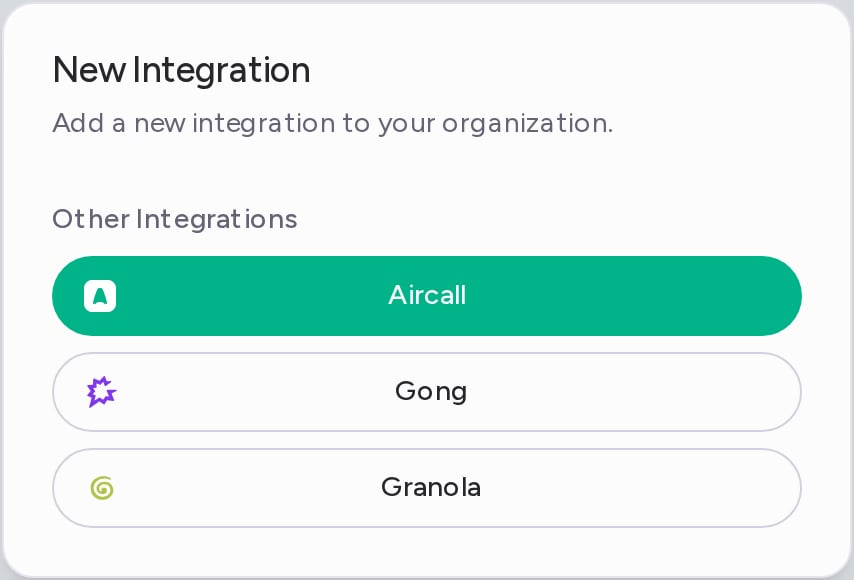
- In the New Integration dialog, click Aircall.
- Aircall opens in a new window. Sign in and approve the connection.
What gets imported
- Each recorded Aircall call that ends after you connect. Calls from before you connected aren’t imported.
- Attention transcribes the recording and analyzes the call like any other call.
- Each call goes to the Attention user whose email matches the Aircall user on the call.
Calls shorter than the Minimum imported call duration are skipped. It is 120 seconds by default. You can change it in Settings → Organization Settings, under Call settings.
Disconnect Aircall
- On the Integrations page, open the ⋯ menu on the Aircall row and click Delete.
- In the Aircall Account Removal dialog, click Remove.
Need help? Contact support@attention.com or your Attention point of contact.